October 21, 2026 · By Pixel Punk Studio
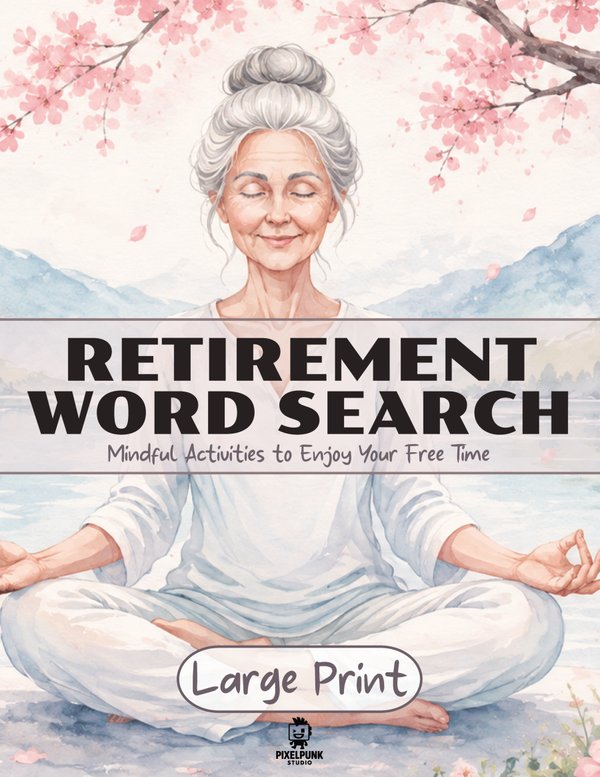
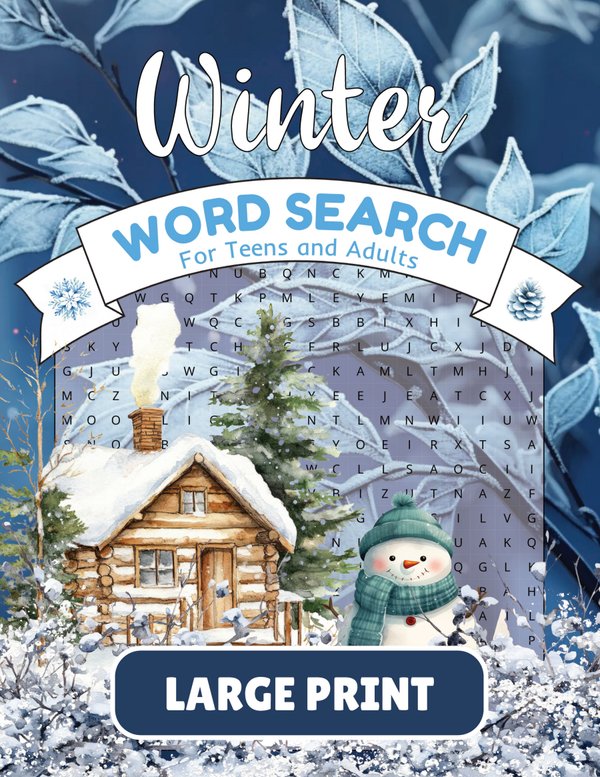
If you love word searches but find yourself squinting, holding the book at arm's length or giving up after one puzzle, the problem is usually the puzzle, not you. "Large print" on a cover can mean very different things: some books simply use a bigger grid of small letters, others are truly comfortable to read for an hour. Here is what to look for, whether you are buying for yourself, a parent or a group, and how to print free puzzles so they stay just as easy to read.
What makes a word search truly large print
- Big letters with space around them. Letter size matters, but so does the gap between letters. A grid where every letter has room to breathe is far easier to scan than big letters packed tightly together.
- A clear, plain font. Simple, bold letters without decorative curls are quicker to recognize, especially look-alikes like O and Q, or M and W.
- A big page. An 8.5 x 11 inch page leaves room for large letters and a full grid. In a small pocket book, "large print" usually means cramped puzzles.
- A readable word list. Check the list too: if the grid is big but the words to find are tiny, the puzzle is still a strain.
- Strong contrast. Dark letters on white or cream paper. Pictures behind the grid are fine as long as they are soft and pale.
Large print, extra large or jumbo?
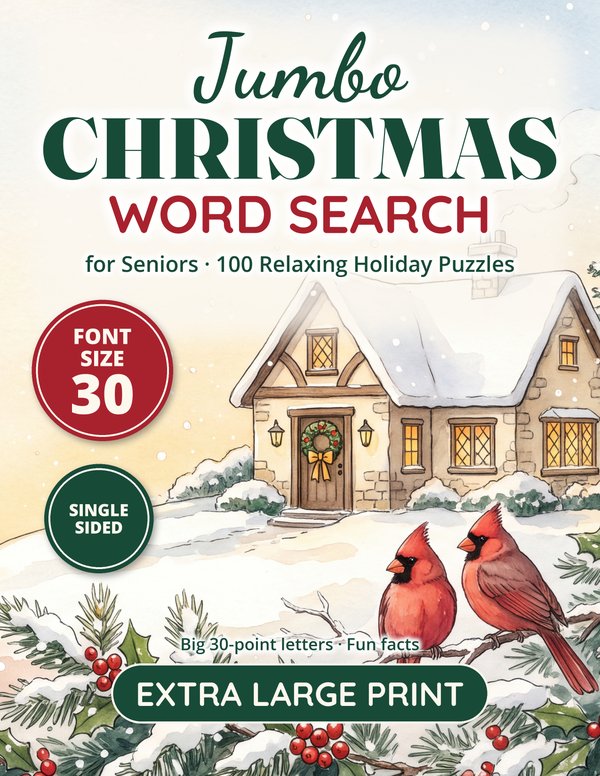
Standard large print suits most adults who simply want comfortable puzzles. "Extra large" and "jumbo" books use even bigger letters, which means smaller grids and fewer words per puzzle: a good choice for anyone with low vision, or for a first puzzle after a long break. If you are unsure, start with regular large print: it keeps the challenge while being easy on the eyes.
Other details worth checking
- One puzzle per page, so the grid can be as big as possible.
- Blank backs or notes pages, so pencil and marker never show through the next puzzle.
- Solutions at the back, for the last word that just won't show up.
- A theme you enjoy. Themed word lists (seasons, holidays, hobbies) are easier to guess and more fun to talk about afterwards.
How to print free puzzles at a large size
- Print at "Actual size" (100%). "Fit to page" or "Shrink" can make the letters smaller than they were designed.
- Using A4 paper? Our printables are made for US letter paper. On A4, choose "Fit" so nothing is cut off: the puzzle shrinks only very slightly.
- Choose "Best" or "High" quality in the printer settings for darker, sharper letters.
- Use thicker paper if you can. It feels nicer, and a pen or marker won't bleed through.
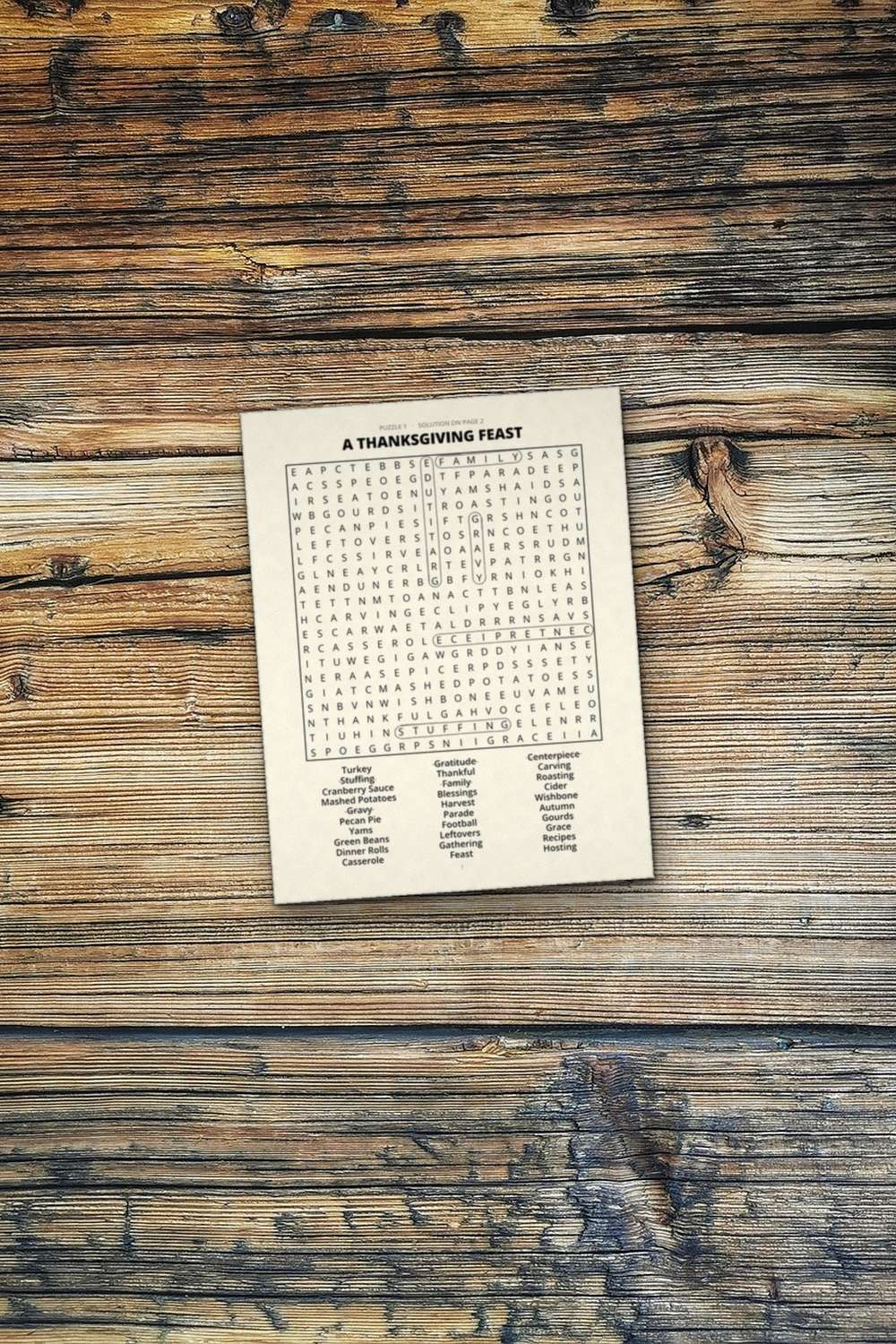
Make any puzzle easier to read
- Good light from the side or behind you, not from the front, avoids glare on the page.
- A clipboard or a slanted surface brings the page closer and stops it sliding.
- A soft pencil or a highlighter marks found words clearly without hiding the letters around them.
- A ruler or a strip of paper under each row helps you keep your place while scanning.
Try a large print puzzle for free
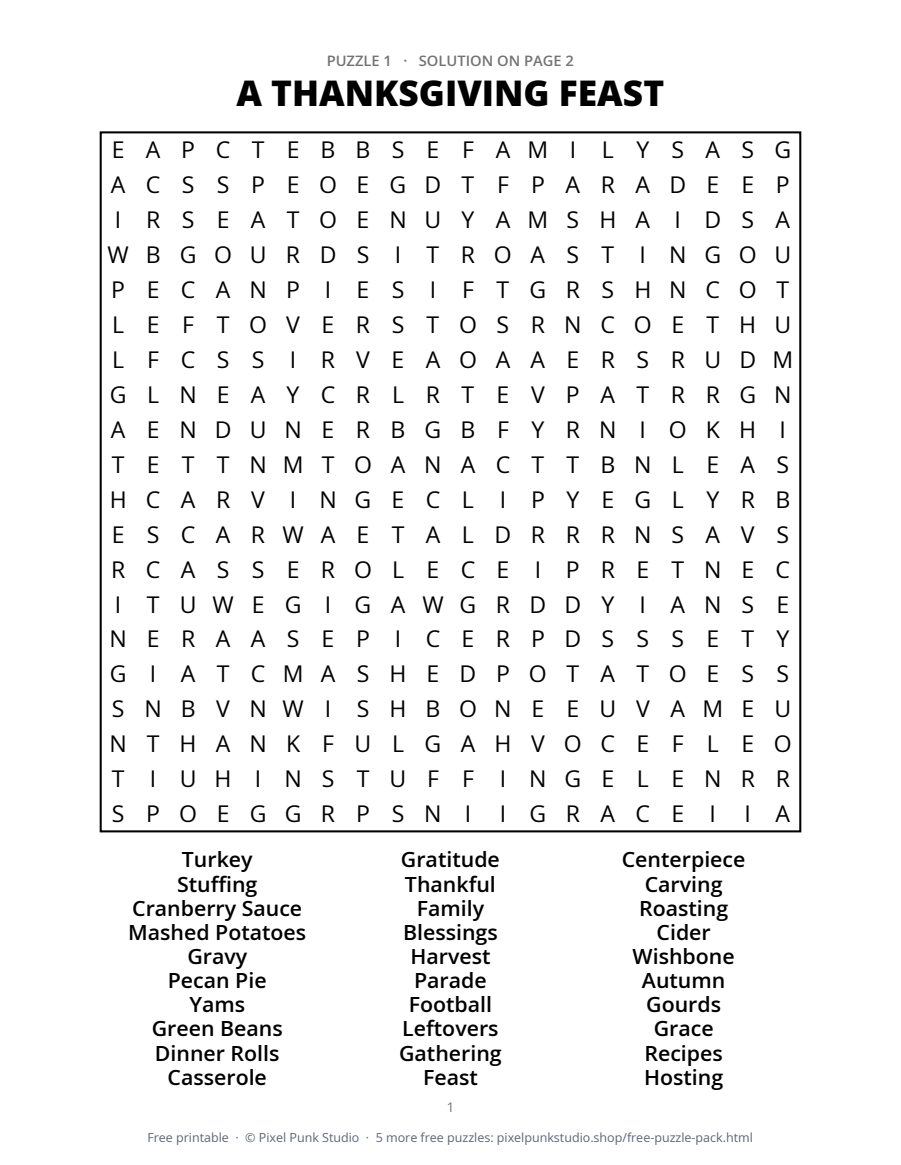
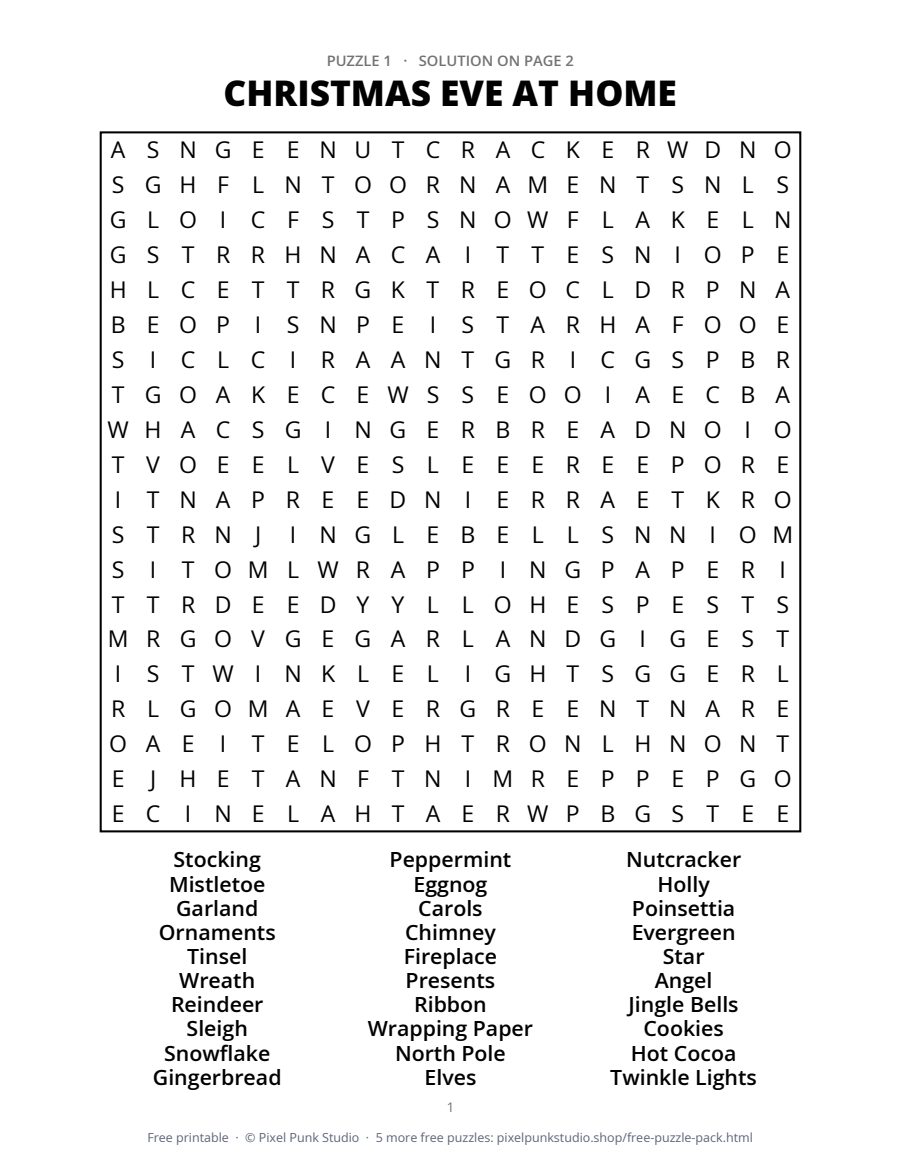
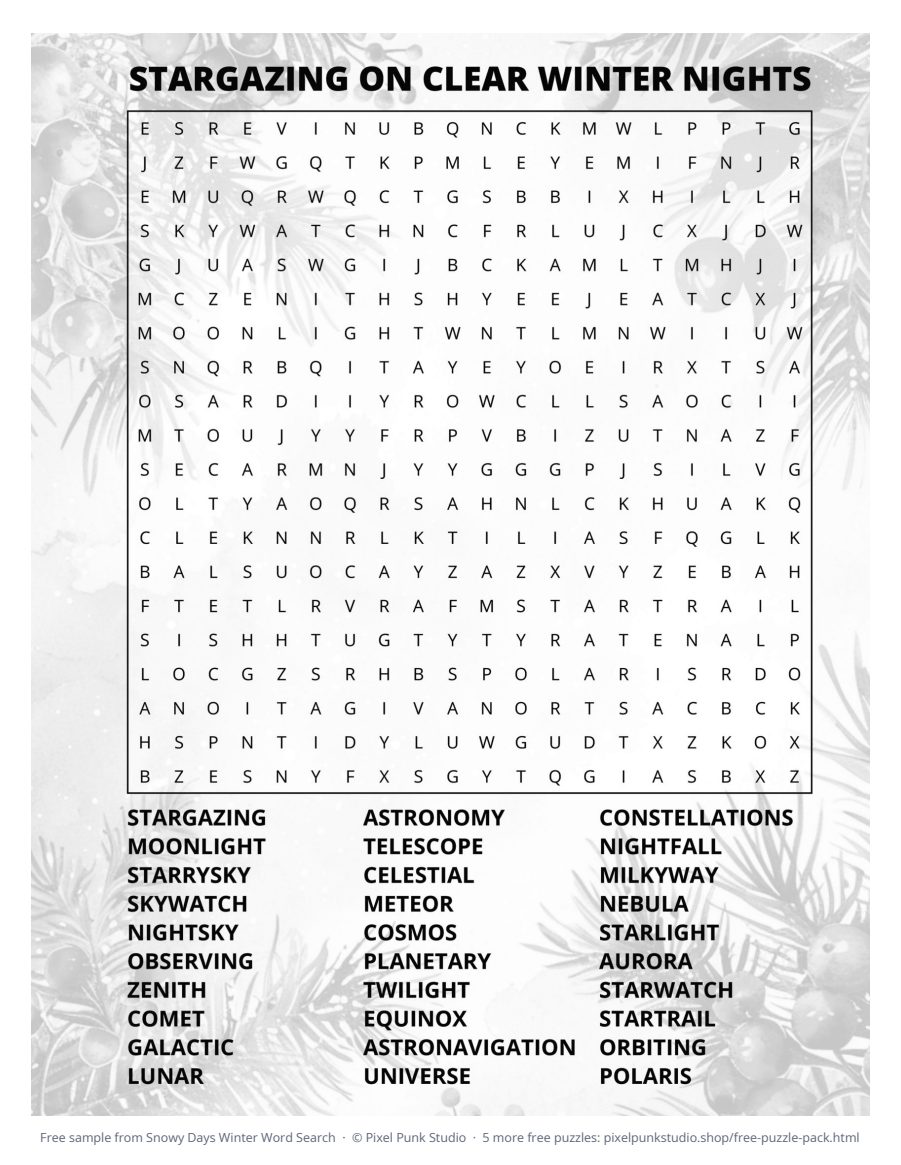
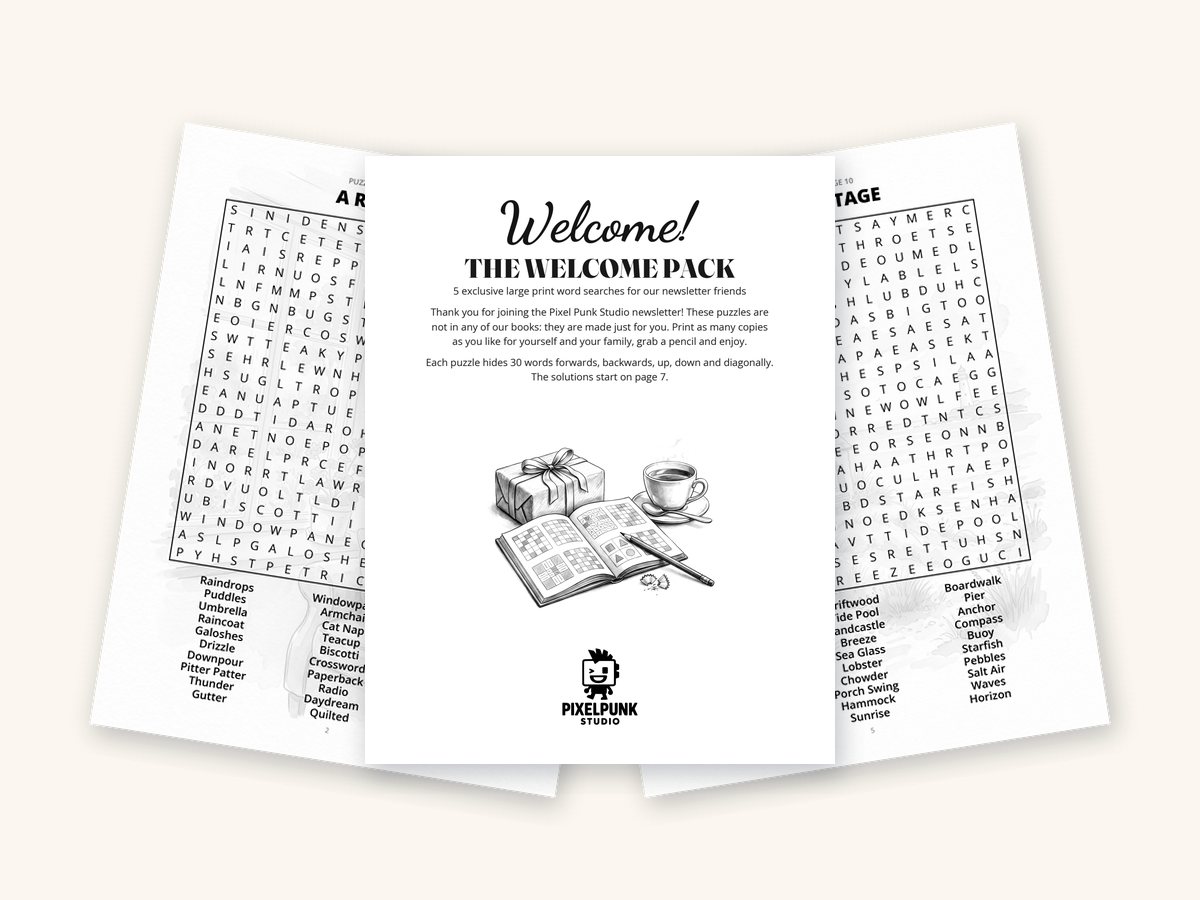
All our free printables below use the same large print layout as our books: big letters on a full letter-size page, 30 words to find, and the solution included.